LinkedIn Outreach Sequencing Limits and Workarounds
Paying more for LinkedIn won't increase your invitation limits.
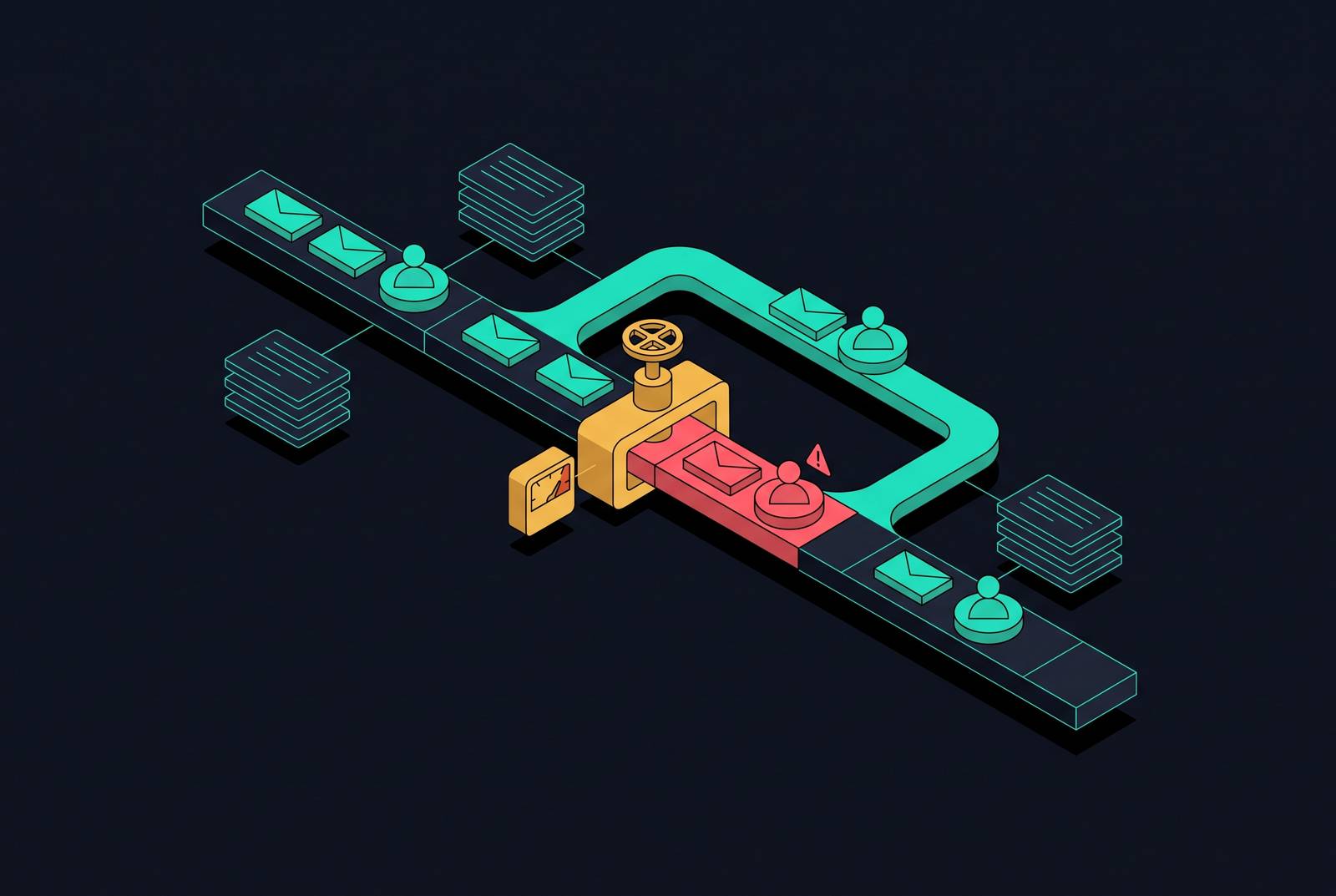
If you upgrade a LinkedIn seat, you do not get more invitations to send. That single fact reorders the entire outreach planning problem, because the lever most teams reach for first, paying more, leaves the constraint untouched. Understanding that distinction changes what a team spends its time building: not a bigger budget, but a better-designed sequence, a sharper target list, and a second channel that carries what LinkedIn cannot.
Exact limits by account type and stage, including what Sales Navigator changes
LinkedIn has never said what its weekly invitation limit actually is. The platform's own "Invitation limit reached" messaging acknowledges that a ceiling exists without stating what it is, and the ceiling itself moves based on signals of account behavior: acceptance rate, account age, posting activity, and the pattern of sending over time. New accounts get throttled hard, often to a small fraction of what an established account can send in a week, but that ceiling expands once the account keeps a healthy acceptance rate over time.
Subscription tier affects the invitation ceiling less than most teams assume. Sales Navigator is different, but not in the way it is often marketed: it carries a baseline invitation ceiling in the low hundreds, and mature, high-trust accounts on Sales Navigator report a higher observed ceiling over time. That expansion comes from better targeting filters raising acceptance rate, which improves account health and quietly earns the higher ceiling. You earn the lift through behavior; you can't just buy it with the subscription.
Sales Navigator also comes with 50 InMail credits per month, along with saved searches, job-change alerts, and funding alerts that sharpen targeting, all of which matter more for list quality than for raw volume, a distinction the targeting section below returns to directly.
Message limits stack on top of the invitation ceiling; they don't replace it. Every one of these caps resets on its own rolling schedule, seven days after each individual invitation was sent. If a team plans campaigns around a Monday reset, they keep hitting blocks mid-week, because LinkedIn tracks the window from the send date of each invitation, not from the start of the business week.
Any account that trips a restriction loses its ceiling entirely for the duration of the block, then rebuilds from a reduced baseline, the same slow climb a brand-new account goes through. A restricted account should be treated as a new account for planning purposes, regardless of how long it had been active before.
One important change affects how teams monitor all of this. As of September 8, 2026, LinkedIn discontinued free access to the SSI dashboard and moved it behind the Sales Navigator paywall. Teams without a Sales Navigator seat now have no free tool to monitor the one score that used to tell them how close they stood to earning a higher ceiling.
What the volume math allows per rep per month
If a single seat sends at the full weekly ceiling, against a realistic acceptance rate, you get a hard cap on new conversations each month, and that cap is thin against any pipeline target built on high-volume outbound assumptions. The note cap compounds the problem: the only personalization tool a free account has on first touch, the connection-request note, is itself capped separately on a monthly basis, so even the accepted invitations cannot all carry a custom note once the monthly allotment runs out.
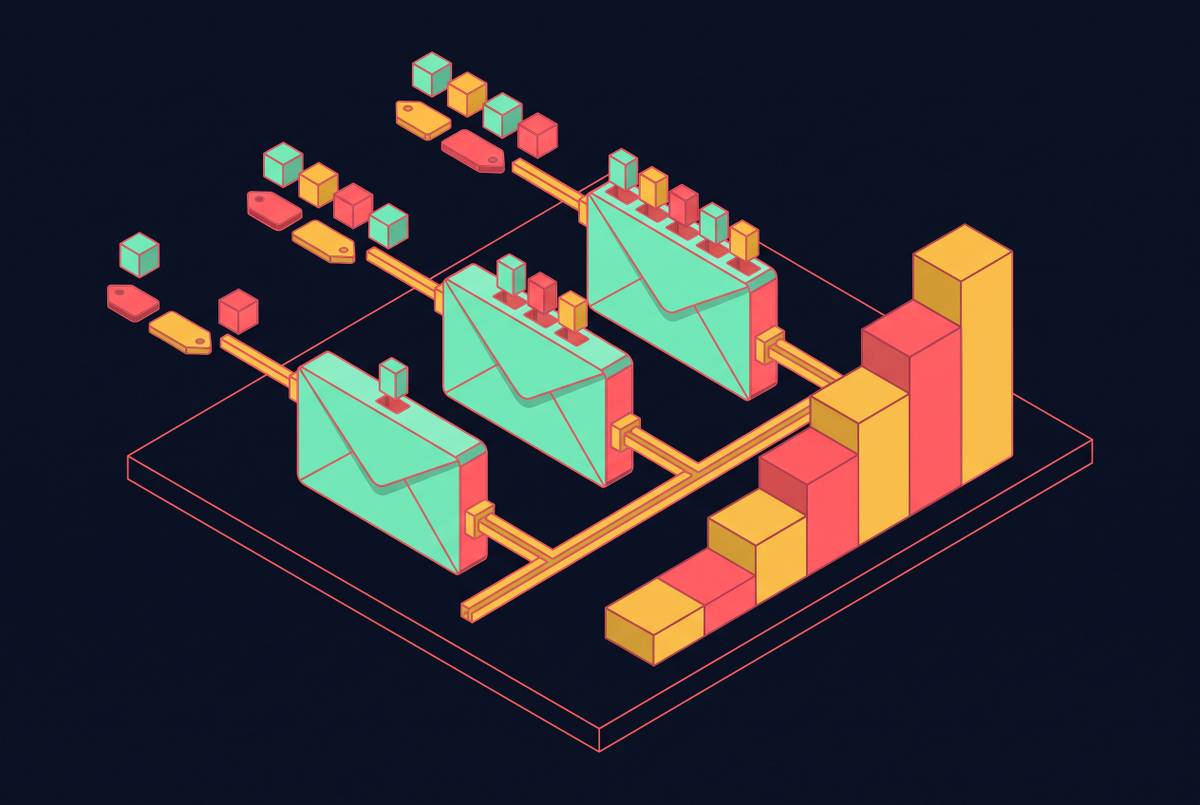
You cannot change any of this by sending faster or trying harder within a given week. The ceiling is the ceiling, and the message cap sits inside it. What that leaves are exactly two levers capable of moving outcomes without touching raw volume: acceptance rate, which is a function of targeting quality, and reply rate per message sent, which is a function of sequence quality. Every section that follows is about one or the other.
Automation and the volume problem it doesn't solve
Automation tools promise to send more messages faster, which looks like a way around the ceiling until the enforcement mechanics are laid out. A team running aggressive automation is trading a known, slow-growing limit for a real chance of losing the account.
Running automation through the actual browser session the account normally uses, rather than through proxy IPs or headless browser instances, is one partial mitigation that practitioners report repeatedly. That approach lowers detection risk relative to the alternatives. Since automation amplifies the risk to the account rather than lifting the ceiling that sits above it, the more durable path runs through redesigning the sequence, the targeting, and the channel mix, which the rest of this piece maps in order.
Sequence structure that extracts the most replies from a capped message count
Reply rate per message is the lever you can control directly, and sequence length affects that lever first. Three messages is the sequence length that maximizes aggregate reply rate. If you stretch a sequence to five or more messages, you get a meaningfully lower reply rate per message sent and a higher chance the account gets flagged, so the longer version ends up less effective and riskier at once.
Message length carries equal weight. Messages in the 150 to 200 character range hit the peak reply rate observed in the data, and longer messages underperform even though they tend to feel more thorough and more complete to the person writing them. Brevity is the format that produces the better response rate.
When you branch the sequence on what the prospect actually does, you stop wasting touches on a conversation that has already stalled or already succeeded. If the invitation gets accepted, send a value-first message with no ask attached on day two or three, so the relationship has room before any request lands. If the invitation goes unaccepted past a set window, the sequence allows one soft follow-up or a handoff to email, and then it stops on LinkedIn entirely rather than continuing to press a channel that has already shown no signal.
A useful illustration of this branching logic runs on a ten- or fifteen-day arc: an invitation on day one, a LinkedIn message on day three if the invite was accepted, an email on day six if there has been no response, a second LinkedIn message on day ten, and a final email on day fifteen. A sequence that compresses a full pitch into the first message wastes the credibility the connection request itself was supposed to establish.
Targeting precision as the multiplier on a capped invitation volume
When the number of invitations available each week is fixed, who receives them determines the return on that fixed number more than anything written in the message itself. Acceptance rate functions as both the scoreboard and the mechanism: it is the outcome a rep is trying to improve, and it is simultaneously the account-health signal that sets whether the ceiling rises or stays flat.
Intent signals outperform demographic filters when you need a starting point for a list. If you filter a list against ideal-customer criteria before you send a single invitation, instead of cleaning it up after a campaign has already underperformed, you keep low-fit contacts from diluting the acceptance rate and burning through the week's allocation on people unlikely to respond anyway.
Pending invites deserve the same attention as the list itself. LinkedIn reads a large backlog of unanswered requests as a behavioral flag against the account, so you need to keep that backlog below a reasonable threshold by withdrawing stale requests regularly; it is part of managing the ceiling, not a housekeeping afterthought. A workable test before sending anything: if the reason this particular message matters to this particular person right now cannot be stated in one sentence, the invitation should not go out. That filter, applied before the send rather than after the results come in, is what actually preserves the ceiling over time.
This is where Sales Navigator's real value sits. The subscription functions as a targeting tool that improves the quality of invitations a rep sends, not as a volume multiplier that raises the weekly cap directly. It pays for itself through acceptance rate, not through a larger allotment of invitations. Bad targeting lowers acceptance, a lower acceptance rate lowers account health, and lower account health keeps the ceiling from ever expanding, which turns the volume problem into a loop that reinforces itself in the wrong direction unless targeting quality breaks it.
Open Profile outreach and InMail as a parallel channel that does not consume invitation credits
LinkedIn members who enable Open Profile status can be messaged by anyone, without a connection request and without spending an InMail credit. If a team segments a prospect list into Open Profiles before a campaign launches, it gets a parallel track that runs entirely outside the invitation ceiling, since these contacts need neither an accepted connection nor a credit.
InMail credits, available on paid tiers, cover the remaining gap: prospects who are not Open Profiles and are not already first-degree connections. The practical sequencing follows from the economics: exhaust the Open Profile track first, since it costs nothing, and save InMail credits for the highest-priority targets who cannot be reached any other way.
Pairing LinkedIn with email in a coordinated sequence to carry the follow-up volume LinkedIn cannot
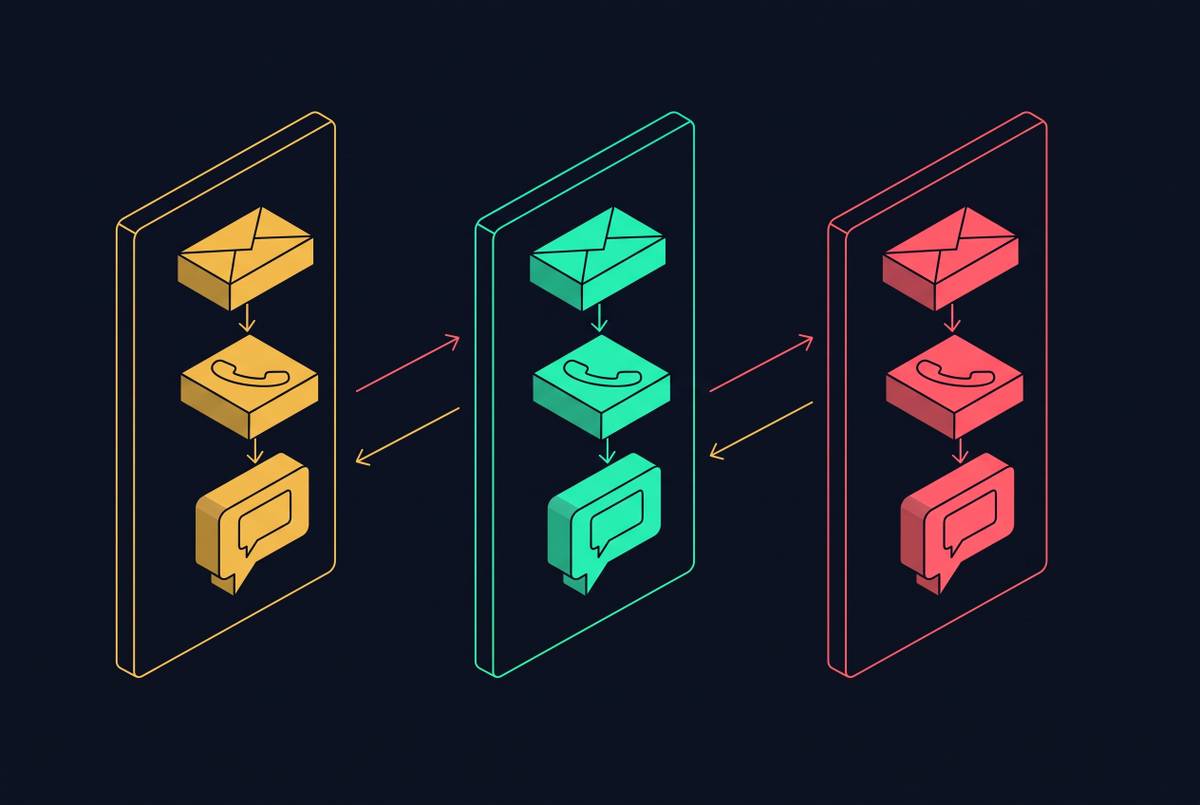
Each channel does a different job well, so the strongest multichannel sequences are built around that division, not around redundancy. LinkedIn carries the first-touch social proof: a prospect checks the profile before deciding whether to accept, and that credibility layer is hard to replicate over cold email.
The strongest results come from conditional sequences where the next action depends on what the prospect did with the last one. A prospect who replies on LinkedIn exits the email track immediately. That conditional logic is what prevents the worst failure mode in dual-channel outreach: a prospect who has already responded on one channel getting hit with an unrelated follow-up on the other, which reads as carelessness rather than coordination.
Tools built for this kind of sequencing differ mainly in how they price access, and that difference matters more as a team scales:
| Tool | Pricing model | Channels | Notes | |---|---|---|---| | Salesforge | Flat fee, unlimited LinkedIn senders and mailboxes on one plan | LinkedIn + email, conditional multichannel sequencing | Built-in deliverability and AI personalization; competitively priced entry tier; 14-day free trial; also offers Agent Frank, an AI SDR handling prospecting, messaging, outreach across both channels, follow-ups, and meeting booking | | Dripify | Per user | LinkedIn + basic email | Suited to beginners and small teams; lower per-user cost billed annually; 7-day free trial | | Waalaxy | Per user | LinkedIn, with email at a higher tier | Quick setup and guided outreach; LinkedIn-only tier priced lower; 14-day free trial | | We-Connect | Per seat | LinkedIn, with email on the Professional tier | Cloud-based automation; 14-day free trial | | HeyReach | Per seat | LinkedIn only | Built for agencies managing multiple LinkedIn accounts; free trial available; as of March 2026, LinkedIn permanently removed HeyReach's company page and founders' profiles, a history worth weighing when assessing account risk | | Dux-Soup | Per user | LinkedIn only | Budget-conscious individual use; 14-day free trial |
The flat-fee, unlimited-sender structure matters most when a team adds seats as it scales, because per-seat pricing compounds with headcount in a way a flat plan does not. Each tool on this list pairs channels at a different scale and price point, and the right choice depends on how many senders a team expects to run and how much of the sequence needs to live outside LinkedIn.
Account safety as a practice: the daily and weekly behaviors that protect the ceiling over time
The ceiling responds to patterns sustained over weeks rather than a single day's send count, making protecting it an ongoing discipline. A sustainable sending shape for an established account resembles ordinary professional networking: invitations spread across several hours of the day, across working days, with other activity, profile views, feed reading, occasional comments, happening in the same sessions as the invitations themselves.
New or recently restricted accounts need a deliberate ramp. Pending invite hygiene stays part of this discipline on an ongoing basis: a backlog of unanswered requests reads as a flag regardless of how healthy the rest of the account looks, so withdrawing stale requests regularly belongs in the routine.
Changing sending volume and sending infrastructure at the same time creates exactly the pattern detection systems are built to catch, as when a team moves from manual sending to a new tool, or switches IP environments, while also increasing volume. If you hold volume flat through any infrastructure change, then resume normal pace only after the new setup has run quietly for a period, you separate the two variables pattern detection is designed to correlate.
Free SSI access is gone as of August 2026, so teams without a Sales Navigator seat have lost the primary free dashboard for tracking the account-health signals behind their ceiling. If you want a substitute for the signal the SSI dashboard used to provide, you can monitor acceptance rate directly from campaign analytics. The ceiling has always been behavioral rather than contractual, the behaviors that protect it need continuous monitoring rather than a one-time check, and the free tool most teams relied on for that monitoring now sits behind a paywall, which makes campaign-level acceptance rate tracking the one free replacement worth building into the routine.