Cold Email Domain Warming Strategy for New Sending Infrastructure
New domains need slow volume ramps and clean authentication to reach inboxes safely.
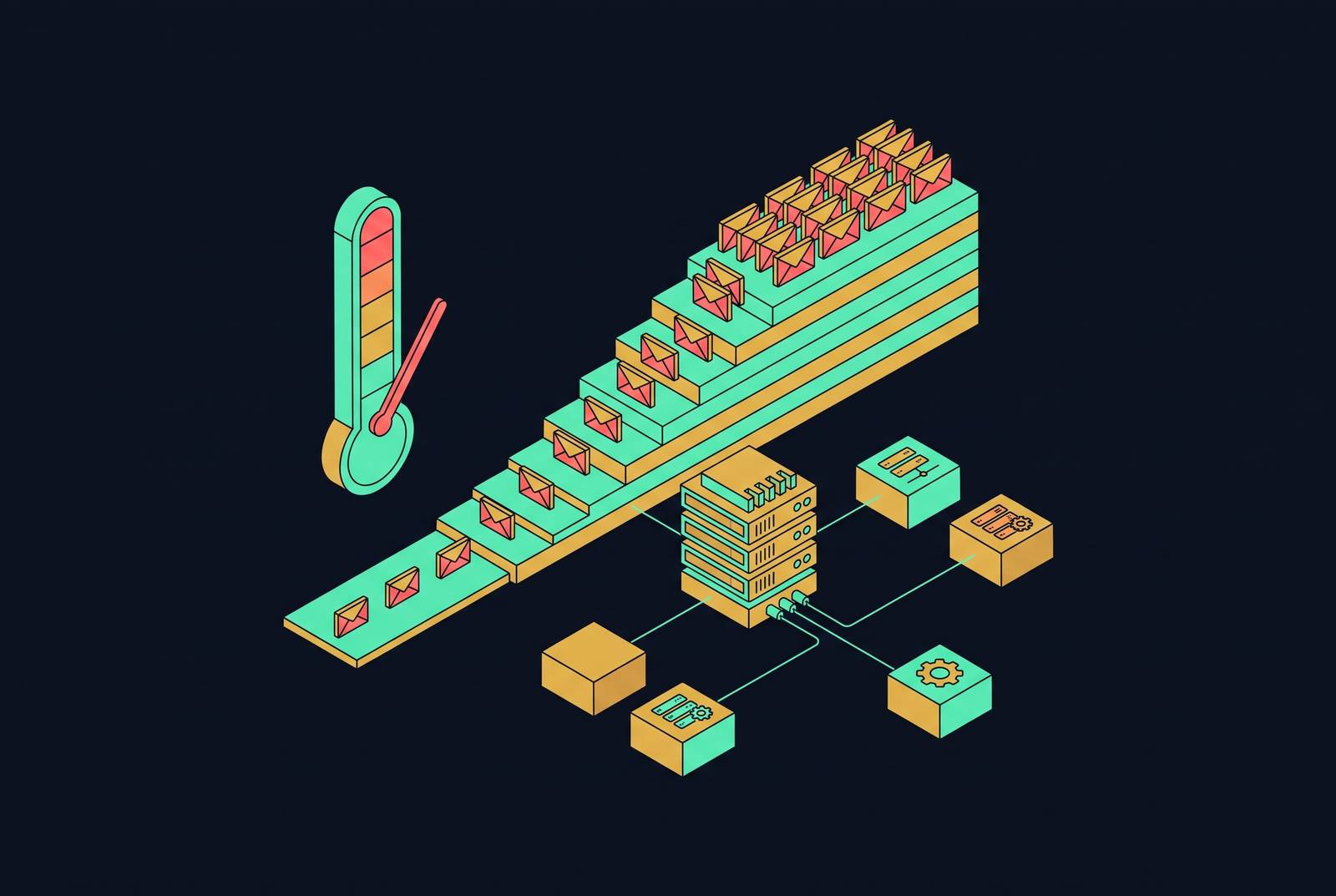
Warming new cold email infrastructure is a sequenced process. Authentication comes first, followed by a disciplined volume ramp over three to six weeks and permanent maintenance after campaigns launch. The strategy works only when sending volume follows the evidence from recipient engagement and inbox placement, rather than a calendar or a warmup tool’s status indicator.
Why mailbox providers distrust new domains by default
A new sending domain has no sending history. Gmail, Outlook, and Yahoo therefore default unknown senders toward spam until observable behavior gives them a reason to trust the domain. They keep checking signals such as opens, replies, spam complaints, and deletions. Warmup builds that history over time, with engagement that helps mail reach the inbox before large amounts of cold outreach begin.
Sending heavily on day one produces the opposite evidence. Low engagement, frequent deletions, and occasional complaints can quickly establish a poor reputation, which then influences how later messages are treated. The damage is not necessarily short-lived. A spam-folder reputation can take months to repair, if it recovers at all, so the initial ramp is a period of reputation formation.
Why the stakes for getting this wrong are higher in 2026 than in prior years
Google and Yahoo introduced their bulk-sender requirements in 2024. Microsoft tightened filtering for consumer Outlook addresses in 2025. By 2026, enforcement across all three providers had narrowed the gap between publishing requirements and applying them. The consequence of getting sending infrastructure wrong can now be outright rejection. Warmup must therefore sit within a compliant sending setup.
Recovery also consumes time that cannot be recovered through faster sending. A Spamhaus blacklist entry or a flag in Microsoft SNDS can require weeks of reduced volume, and recovery is sometimes impossible. For B2B outreach, sending to business addresses instead of personal Gmail, Yahoo, or consumer Outlook addresses keeps a clean list clear of the strictest rules enforced for consumer mail. It does not replace authentication, careful targeting, or complaint control.
Why cold outreach must never go out from your primary company domain
High bounce rates, spam traps, and complaint spikes can damage deliverability for invoices, contracts, client email, internal communication, and newsletters when everything uses the same domain. The exposure extends well beyond the campaign. A prospecting problem should not become a problem for a client waiting for a contract.
The architectural response is to separate outbound sending from the primary company domain. Buy one or more lookalike domains dedicated to outreach and connect them to the outreach tooling. These should be professional brand variants, without dashes or numbers, using recognizable TLDs. Set up one to three mailboxes per sending domain and distribute volume across multiple domains. If an outreach domain becomes unusable, it can be retired and replaced without exposing the primary domain’s business-critical email to the same reputation damage.
Authentication as the prerequisite that must be completed before warmup begins
SPF, DKIM, and DMARC must resolve cleanly before the first warmup email leaves the domain. SPF authorizes the servers allowed to send on the domain’s behalf. DKIM cryptographically signs each message so recipients can verify that it was not tampered with. DMARC ties those checks together and tells receiving servers what to do when authentication fails. These records establish the foundation on which sending history can develop.
A warmup tool cannot repair failed authentication through engagement. Without the records working correctly, warmup messages can land in spam and establish the wrong signals from the outset. Common errors include multiple SPF records on the same domain, which invalidate each other, and a missing or misconfigured DMARC record. Check all three with a DNS-checking tool before sending, even if the platform’s setup wizard says they are set up. Start DMARC at p=none during warmup so that authentication failures can be observed in reports, then tighten to p=quarantine after roughly 30 days.
The week-by-week volume ramp and the reasoning behind its pace
Week 1 begins with a small daily volume sent only to engaged contacts. The objective is opens and replies, with bounces near zero. These early exchanges provide the behavioral evidence that a new domain lacks. Keep the cadence steady from the beginning. Sending a lot one day and nothing the next looks more like spam than a steady rise in legitimate mail.
At least two weeks of warmup are required before any cold outreach, but completing that interval does not by itself establish readiness. The decision depends on the signals being generated. Bounce rates and spam complaints must remain controlled throughout, because a spike in either can interrupt the ramp before the domain is ready for campaigns.
Weeks 3 and 4 are when most senders become safely campaign-ready. By week 4, daily volume can be higher if it grows slowly and reply rates and spam signals are watched closely. If replies drop or bounces rise, hold volume flat or step back a week instead of pushing ahead just to keep to the schedule.
Weeks 4 through 6 are when sending should reach its full volume and hold steady. Maintain a steady cadence, ideally five days per week, with smaller weekend volumes if sending at all. The schedule builds slowly on purpose, because each increase tests whether engagement stays healthy as more mail goes out. A clean early week does not authorize an abrupt jump later, and the calendar should never override evidence that the domain is struggling.
List quality and content practices that protect the warmup from the inside
A new domain has no accumulated reputation buffer. Verify every address before it reaches the warming domain, because invalid addresses can cause disproportionate damage at this stage. When real cold outreach begins, send first to the best-fit prospects most likely to reply. Even a “not interested” reply provides positive engagement, while a spam complaint is particularly damaging during early reputation formation. Never buy scraped lists and send them from a warmed domain, because one poor batch can undo a month of preparation in a day.
Plain text outperforms HTML templates during warmup, so keep formatting minimal and avoid heavy images, promotional subject lines, and link-heavy bodies. Short, specific copy is preferable to generic templates. Skip tracking pixels at the start, when their added complexity and behavior can look non-human to filters without an established reputation to offset that signal. Better targeting offers a more sustainable way to increase campaign results than raw send count, because relevance protects the engagement on which further scaling depends.
How automated warmup tools work and where their limitations are
Automated warmup tools use networks of mailboxes to exchange messages with the domain being warmed. Those mailboxes open messages, reply, mark them as important, and move them out of spam to generate positive engagement signals. The scalable options are standalone tools and warmup features inside sending platforms. Manually emailing contacts or replying to yourself does not scale as an engagement operation, although disciplined control over the real sending ramp remains essential.
Smartlead integrates warmup into its cold email platform and uses AI-generated content to make exchanges look natural. It automatically pauses warmup on risk signals such as bounce spikes or spam flags, while otherwise running it with live campaigns. Mailflow provides standalone warmup and an inbox placement view on its dashboard. That view uses periodic checks. Teams need to allow for the time between those checks when deciding how much more monitoring they need to do themselves.
Practitioners who doubt warmup-pool activity works argue that it is increasingly just for show and that providers can spot it and give it no weight. Repetitive subjects, predictable sending times, mechanical replies, and uniform engagement can expose the pattern, after which activity may be discounted or penalized. Pool quality is also contested, especially in free networks that can include mailboxes involved in questionable sending elsewhere. A network’s existence does not establish its usefulness.
The skeptical position favors authentication alignment, clean lists, a genuinely gradual manual send-volume ramp, and recipient relevance over bot-network engagement. Structured warmup with a reputable tool remains reasonable practice, but automated engagement should be treated as support. For most teams, the integrated warmup feature in their existing sending platform is the practical choice, since marginal differences between tools do not justify switching costs. Practitioners dispute how much pool engagement contributes while agreeing that gradual sending is necessary.
Monitoring signals that tell you whether the warmup is working
A running warmup tool is not evidence of successful inbox placement. Problems can compound silently until the first real campaign exposes them, when recovery is already slow. Monitoring must therefore check authentication, delivery, placement, and engagement as well as whether warmup activity has been completed. The key distinction is between messages being exchanged and messages building a useful sending history. A dashboard that shows activity alone cannot settle that question.
Google Postmaster Tools shows compliance status, spam rate, authentication status, and delivery errors for free. Its spam rate shows the percentage of messages users marked as spam and needs the most attention when warmup is checked each week. The domain and IP reputation dashboards were retired in v2, so they should not remain part of a current monitoring checklist. GlockApps supplies a separate placement test by receiving a message across its seed list and reporting inbox, spam, and promotions placement. Run that test before major campaigns, keeping in mind that Mailflow’s placement view checks only from time to time.
Healthy warmup shows Gmail inbox placement improving, useful replies from real outreach, a bounce rate below 2%, low spam complaints, and little or no Outlook throttling. No single indicator settles readiness on its own. Warning signs include sudden spam placement, an overnight collapse in opens, a spike in hard bounces, or Gmail temporarily blocking sends. If any appears, stop scaling at once and cut volume before trying to raise it again.
Why warmup never fully ends and how to maintain it alongside live campaigns
Launching a campaign changes the mix of signals the domain generates. Cold recipients may not open or reply, and some will complain, so negative signals can accumulate after an initially successful ramp. Stopping warmup at that point takes away the baseline of positive engagement meant to offset them. Maintenance begins where the initial ramp ends. Given the limitations of automated pools, that baseline must still be judged against real placement and campaign engagement.
After the ramp, most senders maintain a maintenance baseline of 30 to 50 warmup emails per day per mailbox while cold outreach runs. Campaigns should reach more people through multiple domains, each warmed and maintained properly, while staying within what one domain can handle. Volume reductions require discipline too, because placement can regress when sending falls too abruptly after a campaign. Warmup belongs in permanent infrastructure overhead, with monitoring and controlled volume changes, rather than on a launch checklist that is completed once and forgotten.